From ESP32-CAM rookie to PRO
All the ESP32-CAM features exposed in less than 10 lines of code. Pictures, videos, Telegram notifications, motion detection, artificial intelligence — you name it.
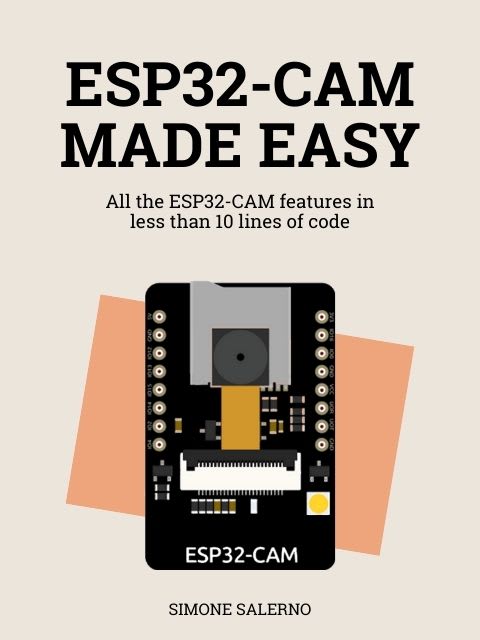
This book is for you if
You are a beginner and…
- you want to start learning from the basics. You are not comfortable with complex, convoluted code that makes you wonder which line is doing what
- you like to learn by doing. You want to see the code in action and understand how it works
- you want features out of the box: SD storage, cloud storage, Telegram notifications, motion detection…
You are an expert and…
- you want to kickstart your projects by abstracting away repetitive code
- you want to access advanced features like AI, multithreading, MQTT…
What's inside
| Chapter | What you'll build |
|---|---|
| Quickstart | Configure the image sensor and take your first picture |
| Live streaming | View the camera feed in real time from any web browser |
| Save pictures to SD | Save pictures on the SD card, with timestamps and nested folders |
| Save pictures in cloud | Save pictures in the cloud, without setting up your own server |
| Telegram notifications | Send text and images to your Telegram bot without complex setups |
| Email notifications | Send images to your email inbox without complex setups |
| Motion detection | Detect moving objects from the camera frames, without an external PIR sensor |
| Motion detection streaming | Debug the motion detection algorithm in real time using a web browser |
| Face detection | Find faces in pictures, including landmarks for eyes, nose and mouth |
| Face detection streaming | Debug the face detection algorithm in real time using a web browser |
| Face recognition | Enroll and recognize faces for smart access control |
| Object detection | Train a neural network to recognize any kind of object in real time |
| Camera web server | The iconic CameraWebServer example with a fresh look |
Example: how to take a picture
#include <espkit.h>
#include <espkit/camera.h>

void setup() {
    Serial.begin(115200);
    delay(3000);

    camera.pinout.aithinker();
    camera.brownout.disable();
    camera.resolution.vga();
    camera.quality.high();

    while (!camera.begin())
        Serial.println(camera.exception.toString());

    Serial.println("Camera OK");
}

void loop() {
    if (!camera.capture()) {
        Serial.println(camera.exception.toString());
        return;
    }

    Serial.printf("Captured %d bytes\n", camera.getSizeInBytes());
    delay(1000);
}
Example: motion detection
#include <espkit.h>
#include <espkit/camera.h>
#include <espkit/motion.h>

void setup() {
    Serial.begin(115200);
    delay(3000);

    camera.pinout.aithinker();
    camera.brownout.disable();
    camera.resolution.vga();
    camera.quality.high();

    motion.config.stride(2);
    motion.config.threshold(15);

    while (!camera.begin())
        Serial.println(camera.exception.toString());
}

void loop() {
    if (!camera.capture())
        return;

    if (!motion.update(camera.frame))
        return;

    if (motion.detected())
        Serial.println("Motion detected!");
}